How to Check Live Train Running Status and Find Your Train
Follow a train enquiry by number and journey date, read update times carefully, and know when a timetable is not live data.
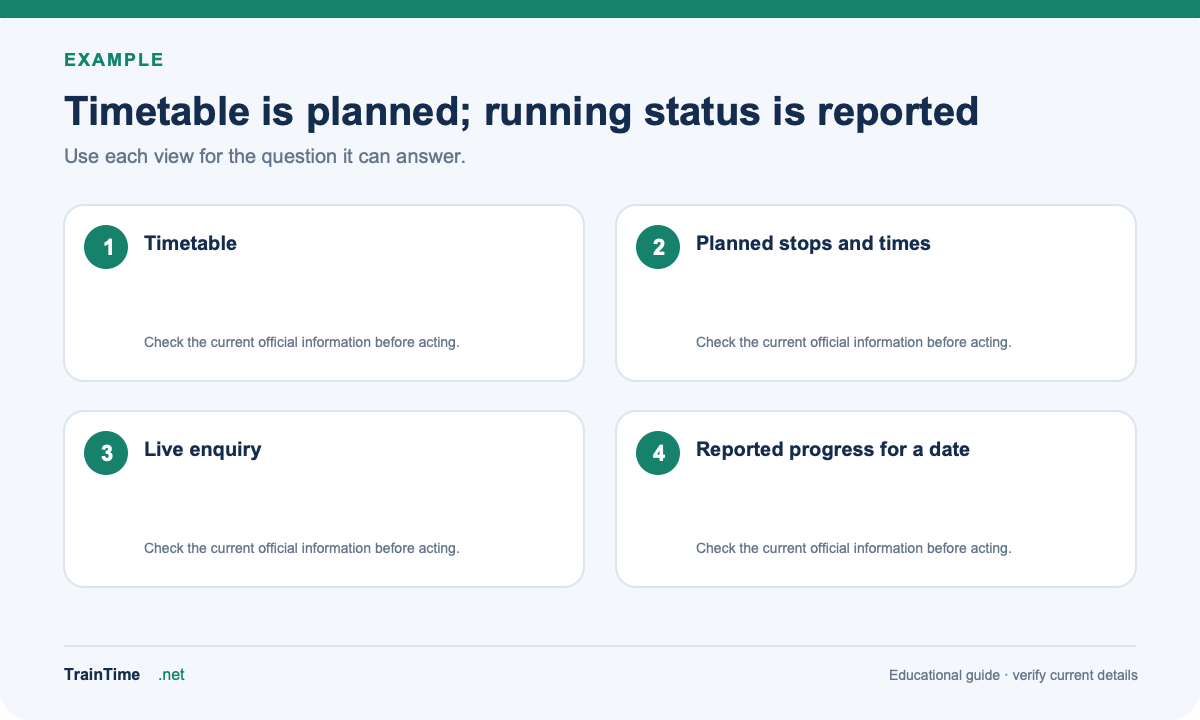
A timetable tells you when a train is planned to stop. A running-status enquiry is for the train’s reported progress on a particular journey. These are different views: a scheduled time is not proof that the train is currently on time.
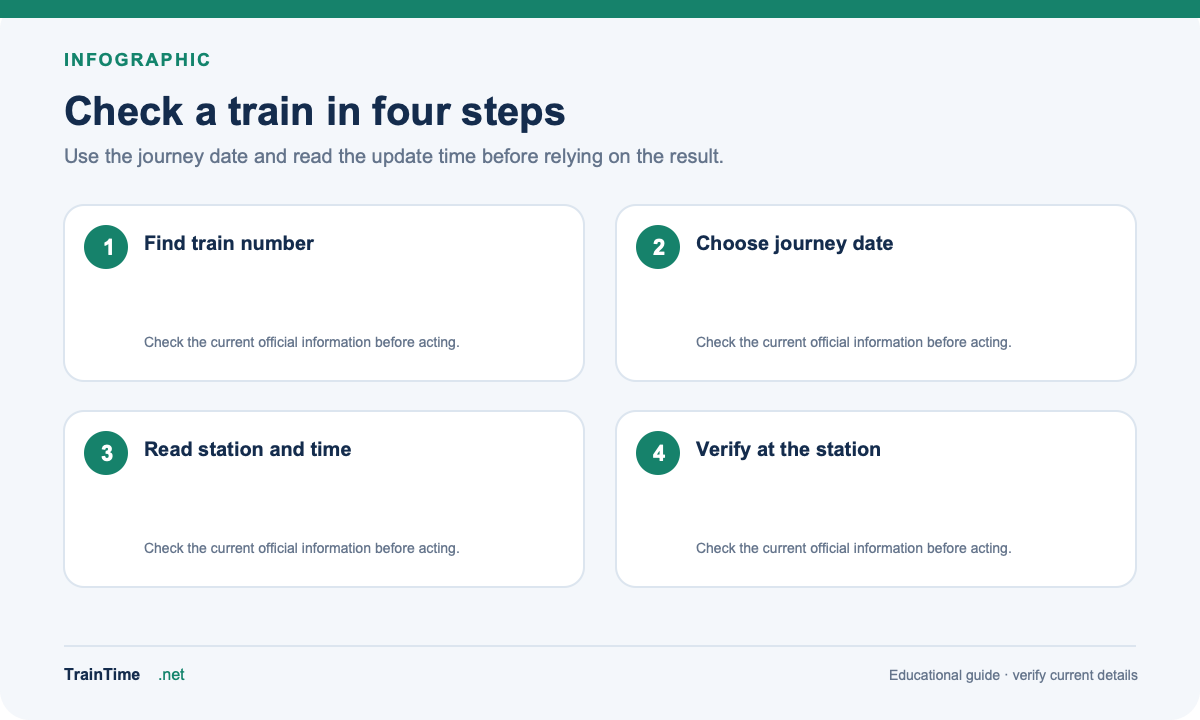
To begin, find the train number on your ticket or use the TrainTime train route search. Then open an official live enquiry and choose the journey date. TrainTime’s route pages show scheduled details, not a live GPS feed.
Read the update time as well as the location
Look for the last reported station, reported time, delay (if shown), and upcoming stations. A result can be stale if the train has not yet passed a reporting point or the connection has not refreshed. Refresh the enquiry if the displayed time looks old, and compare it with station announcements before making a time-sensitive decision.
Some services show a map or route view. Treat it as a visual aid to the enquiry result, not a guarantee of precise GPS positioning. If no current position appears, check the station board or contact the station; do not infer the train’s location from an old timetable alone.
What if you have no PNR?
A PNR is not needed to search for a train’s running status. The train number and journey date are the useful starting details. A PNR enquiry is for booking status, coach and berth information; it is not the same as live tracking.
Delays, diversions and previous journeys
If the enquiry reports a diversion or a changed route, check the details for the correct date. Historic running status may not be available for every train or date. Local trains can use a separate enquiry view, so select the right service category and station. When an urgent connection is involved, verify the latest result at the station and allow for changes.