PNR Status, RAC and Waitlists: How to Read a Train Ticket
Understand PNR, CNF, RAC and common waitlist codes, then check the latest status through the official enquiry.
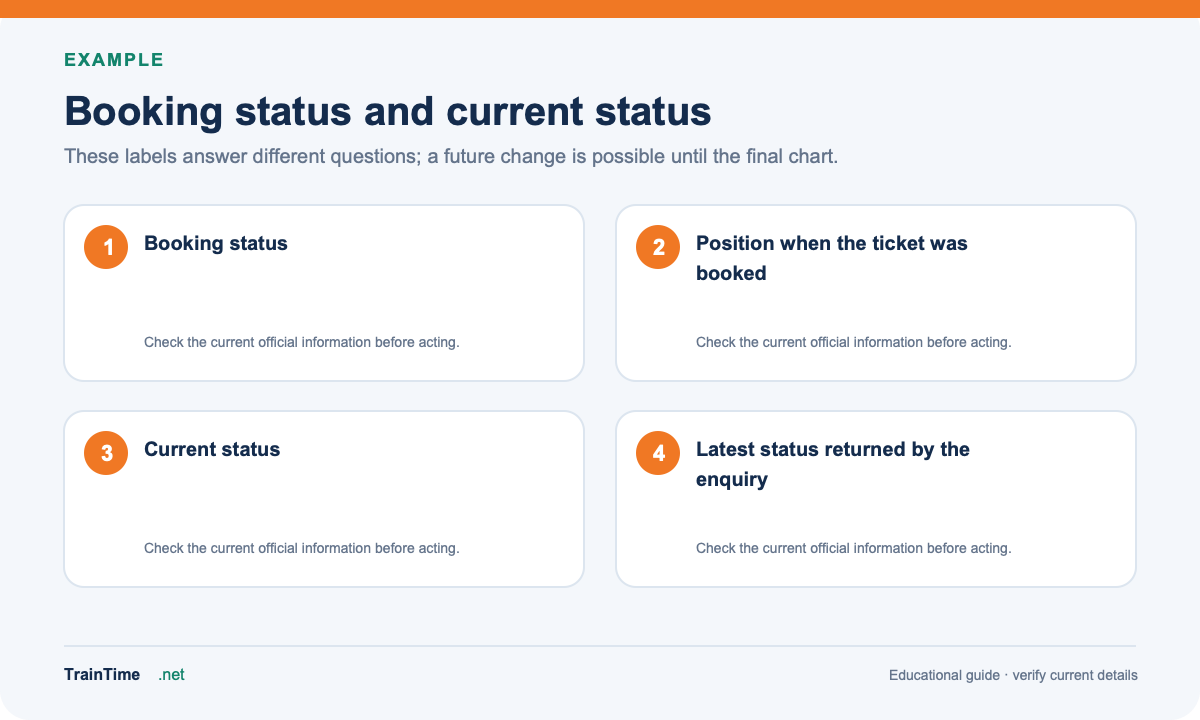
A railway ticket can show more than one status during its life. The booking status is what you received when the ticket was booked. The current status is the latest position shown by the reservation system. If your ticket is waitlisted or RAC, check the current status again closer to departure.
A PNR is the booking reference printed on an e-ticket or reservation slip. Enter it only in a trusted railway enquiry. TrainTime does not collect PNR numbers; use our PNR status page to continue to the official enquiry.
What CNF, RAC and WL mean
- CNF / Confirmed means a reservation is confirmed. Coach and berth details may appear after the reservation chart is prepared.
- RAC means Reservation Against Cancellation. It permits travel under the applicable railway rules, but the final berth arrangement can differ from a full confirmed berth.
- WL means a place is waitlisted. The code after it describes the waitlist type, such as GNWL (General Wait List), RLWL (Remote Location Wait List), or PQWL (Pooled Quota Wait List).
- TQWL refers to Tatkal Quota Wait List. The official PNR enquiry lists these abbreviations and their meanings.
A waitlist code is not a promise of confirmation. The number can move as reservations change, but the outcome depends on the train, quota, route segment, cancellations and charting. A prediction is only an estimate; do not treat it as a confirmed seat.
Check the PNR safely
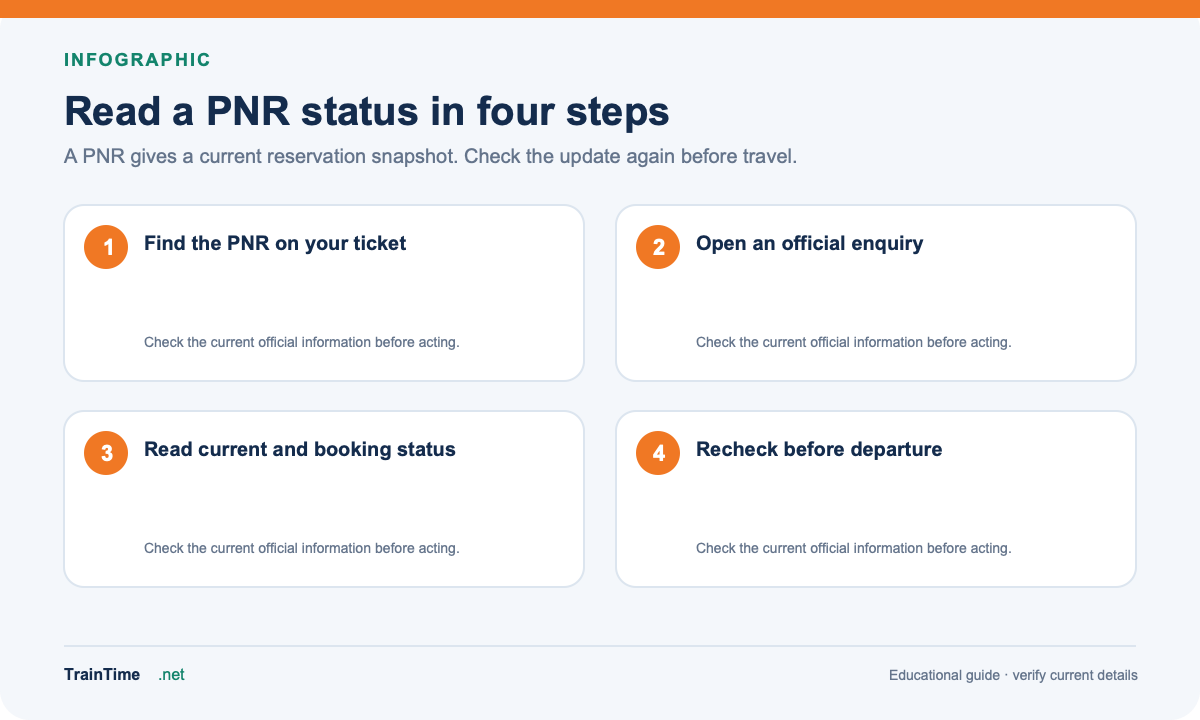
- Find the PNR on the ticket, usually near the top.
- Open the official Passenger Reservation Enquiry.
- Type the PNR yourself and review the current status, charting note and journey details.
- Check again if the chart has not yet been prepared. The official enquiry warns that status may change before final charting.
Can a name or old PNR replace the ticket?
A passenger name is not a reliable lookup key for a booking. Keep the PNR private and use the enquiry’s permitted fields. If the ticket is old, the enquiry may no longer show it; check the booking account or contact the railway support channel with the details requested there. Never post a full PNR or passenger details in a public forum.
For a live train location, use a running status enquiry. PNR status tells you about the reservation; it does not show where the train is right now.