IRCTC Account Help: Register, Sign In and Recover Access
A practical account checklist for registration, login problems, password recovery and contacting official support safely.
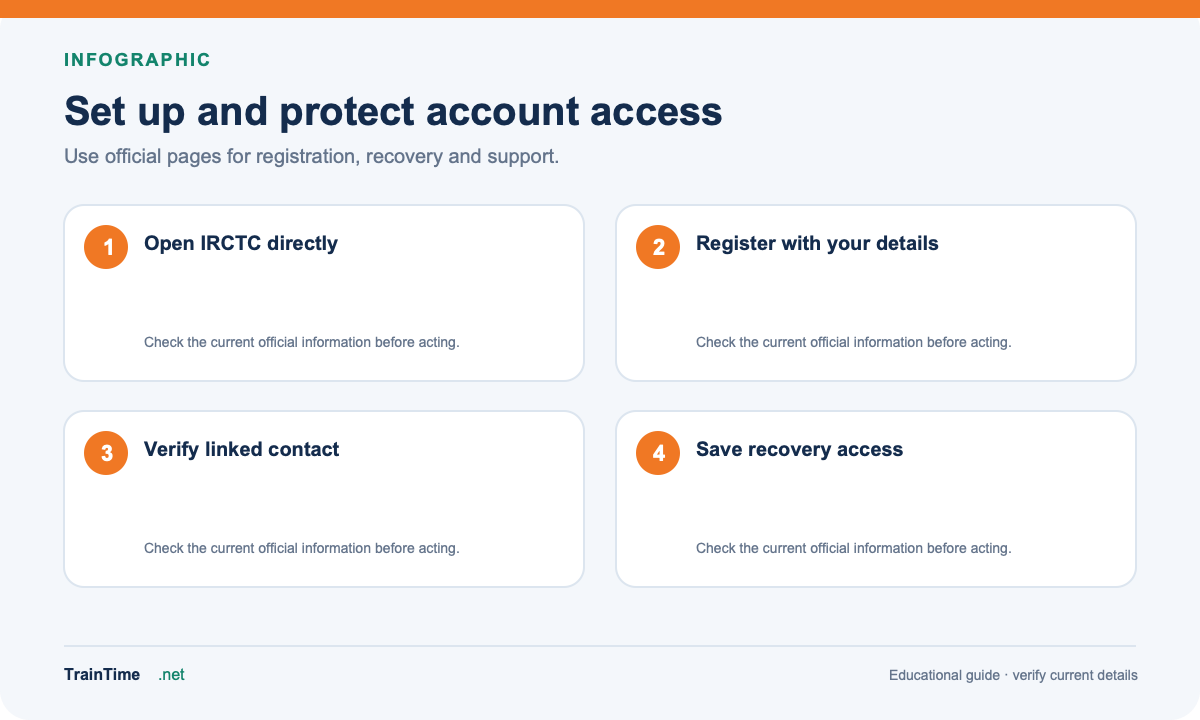
An IRCTC account is used for online ticket services. If you are creating an account, use the official IRCTC website or the official IRCTC app store listing. Check the address carefully before entering your mobile number, email, password or identity details.
If you cannot sign in
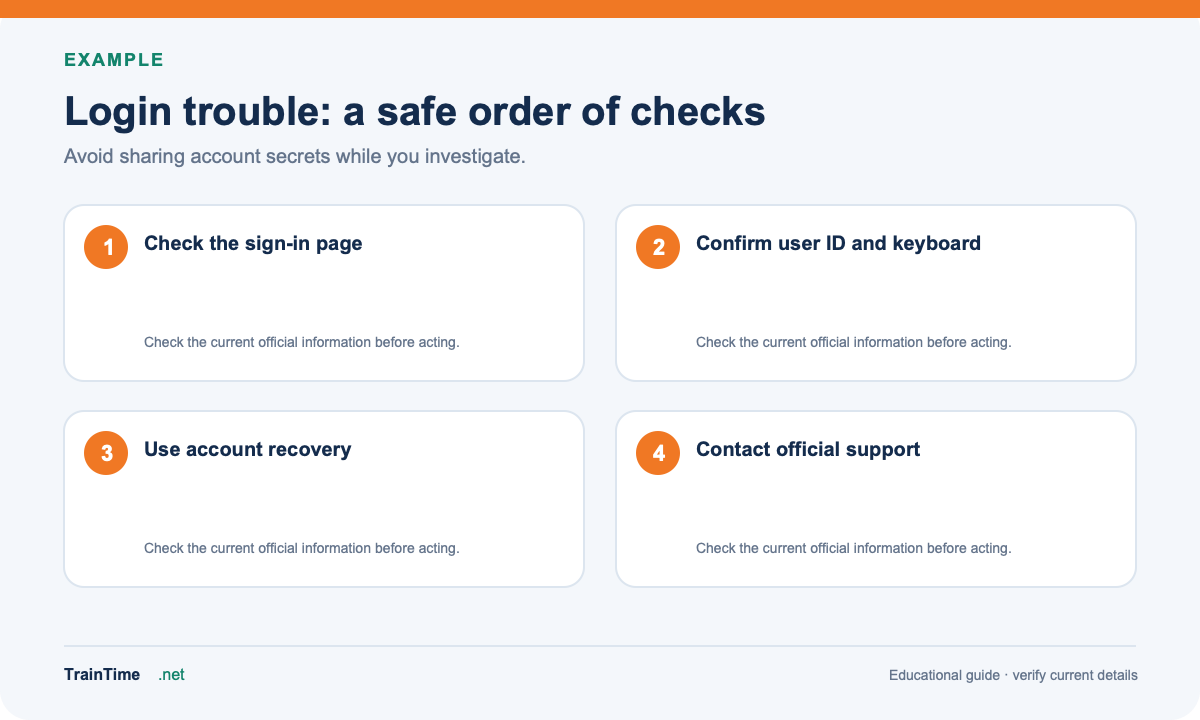
Start with the simple checks: confirm the user ID, check that the keyboard has not changed capitals or spaces, and make sure you are on the official sign-in page. If the page is slow, try again later rather than repeatedly submitting the same form. A temporary service issue, a locked account, an incorrect password or an uncompleted verification step can all look like a login failure.
Use the official password or user-ID recovery option if available. Follow the verification instructions sent to the contact details already linked to the account. Do not send one-time passwords, passwords or full identity documents to people who contact you through social media or messaging apps.
Registration and mobile-number questions
Follow the current registration form. If it says a mobile number or email is already linked, use account recovery or the official support route; do not create multiple accounts just to bypass the message. Account rules and verification steps can change, so rely on the current IRCTC form rather than old screenshots or tutorials.
Contact support for a booking problem
For a ticket or payment issue, keep the transaction reference, journey details and error message ready. Use IRCTC’s official eQuery support portal and submit only the information it asks for. For an urgent matter during a journey, use the railway’s current passenger-help channels. TrainTime cannot reset an IRCTC password or see an account’s private booking history.